I discovered a weird nuance with using Chrome autofill on a dark themed website we have. On this site the background is dark and the fields have a dark background with white text.
When I used chrome's autofill to fill in the form, the text came through as black.
Field customisation is below
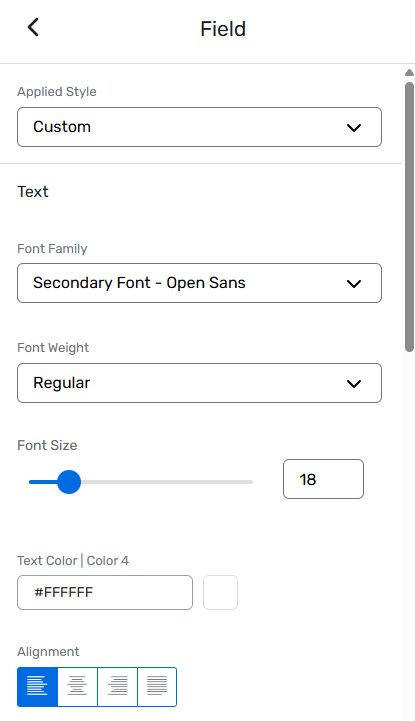
I added this CSS to the site, which prevents it. Just needs the actual field background colour added where prompted (2 places)
@keyframes onAutoFillStart {

  from { }

  to { }

}


input:-webkit-autofill {

  animation-name: onAutoFillStart;

  animation-duration: 0.001s;

  -webkit-text-fill-color: #ffffff !important;

  -webkit-box-shadow: 0 0 0 1000px YOUR_BACKGROUND_COLOR inset !important;

  box-shadow: 0 0 0 1000px YOUR_BACKGROUND_COLOR inset !important;

  caret-color: #ffffff !important;

}
Not sure if there was a better way of doing this, but I thought it might be useful to post here in case anyone encounters the same issue.
#Events+#Accessibility------------------------------
Chris Talbot
Corporate Technical Event Manager
SS&C Technologies, IncUnited Kingdom
------------------------------