Hi Mary,
Hope you are well!
I checked the events and when I tested the registration process and selected 'Other' for the choice question, the field text color does show in Black at my end. PFA the screenshots for your reference :
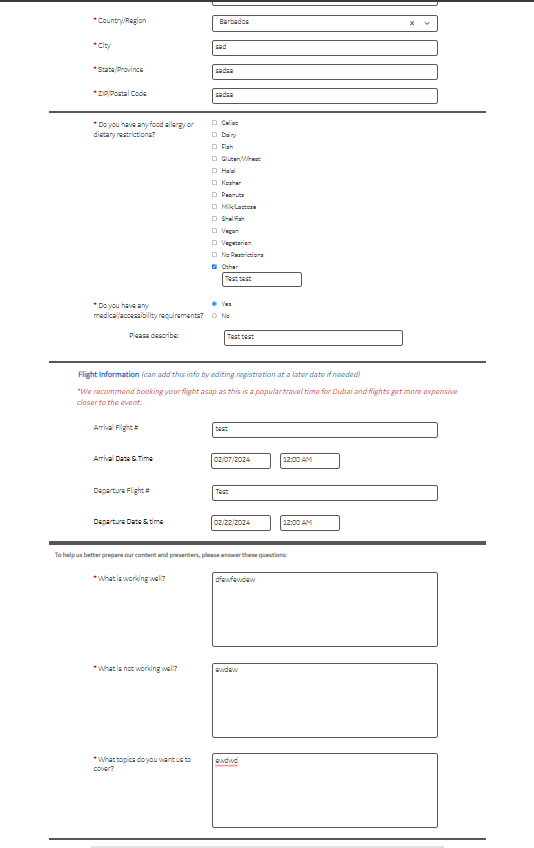
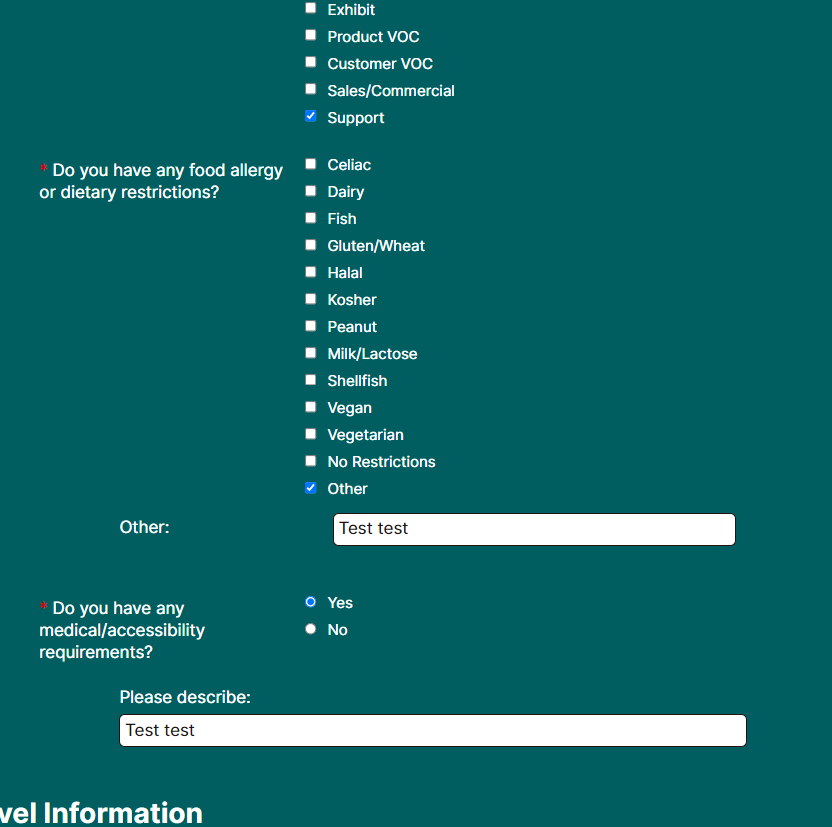
If you have tested the website multiple times, then there is a high probability that your browser has saved the cookies and cache of older tests. Please test again after clearing the cache and cookies of your browser, or use an incognito window or a different browser and it should display the changes at your end as well.
You can refer to the following article for your reference :
How do I clear my browser's cache and cookies? == LINK : : https://support.cvent.com/s/communityarticle/How-do-I-clear-my-browser-s-cache-and-cookies
I hope this helps. Please let us know if you have any further questions.
------------------------------
Raashi Semwal Khati
Senior Quality Analyst
Cvent
------------------------------