Hi Elizabeth!
Yes, you can! Go to the Language Management section under "Marketing" on the left side. Search for the term (I show "Check Out" in the sample) and it will show you all of the available options in the site that can be changed.
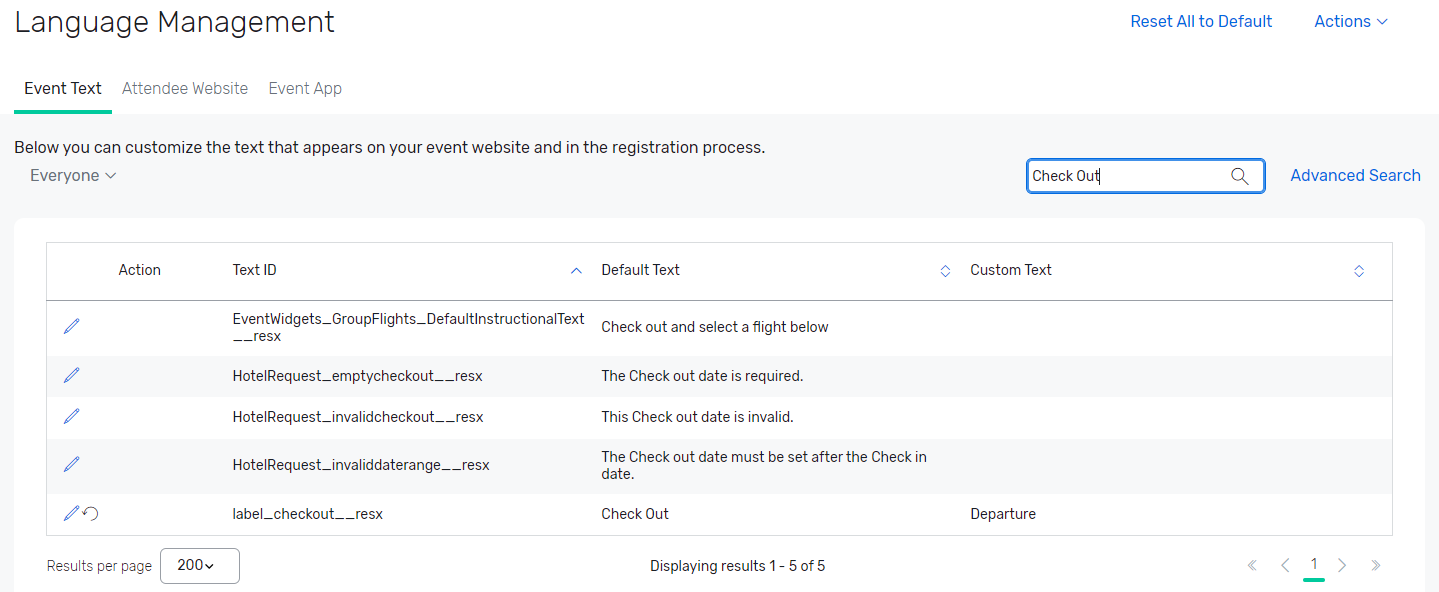
Click on the pen button next to the one you need to change, and type in the text you want in the box that appears under "Custom Text." Click the Save icon where the pen was and you are set!
------------------------------
Tori Martinez
Event Technology Specialist
Creative Group Inc.
United States
------------------------------